Reduce repeat work
Create and manage documentation for individual components or complete assemblies without rebuilding the same preparation steps each time.
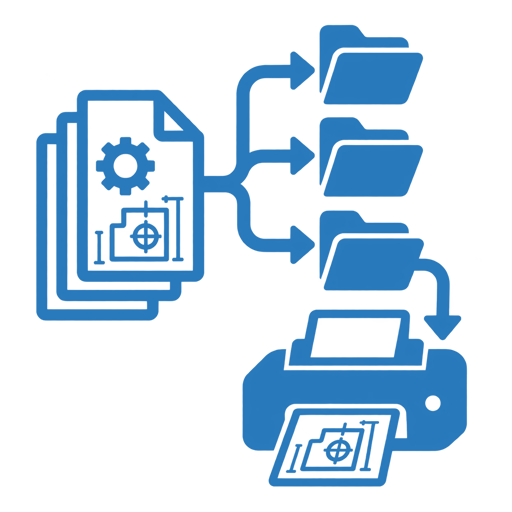
EasyDesign helps Inventor users review assemblies, find and create drawings, apply configured standards, check documentation and prepare production-ready outputs through one guided workflow.
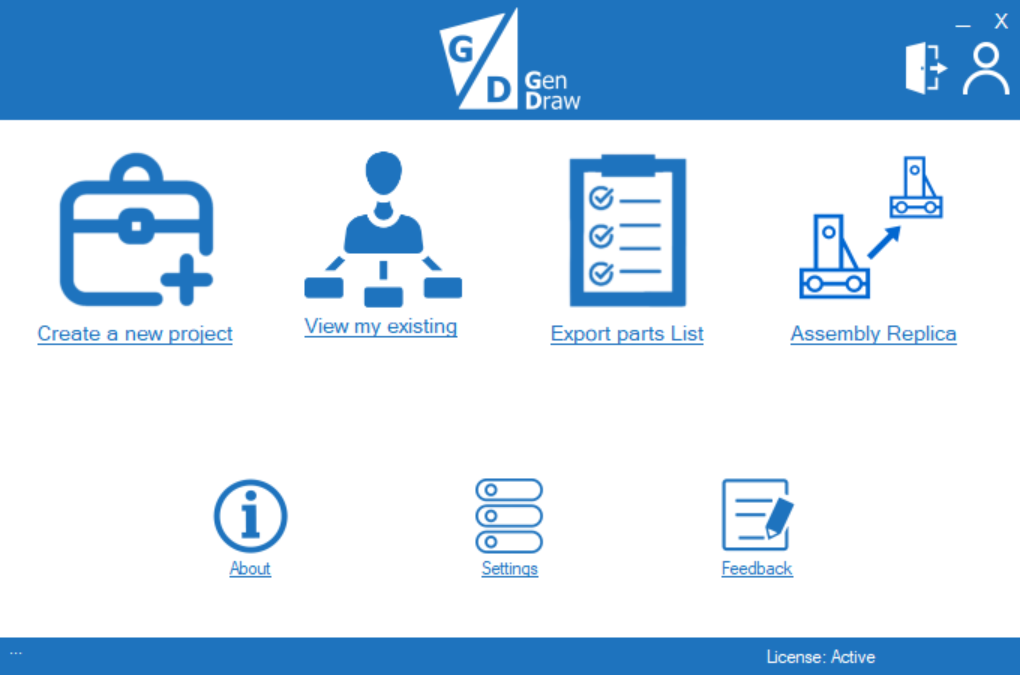
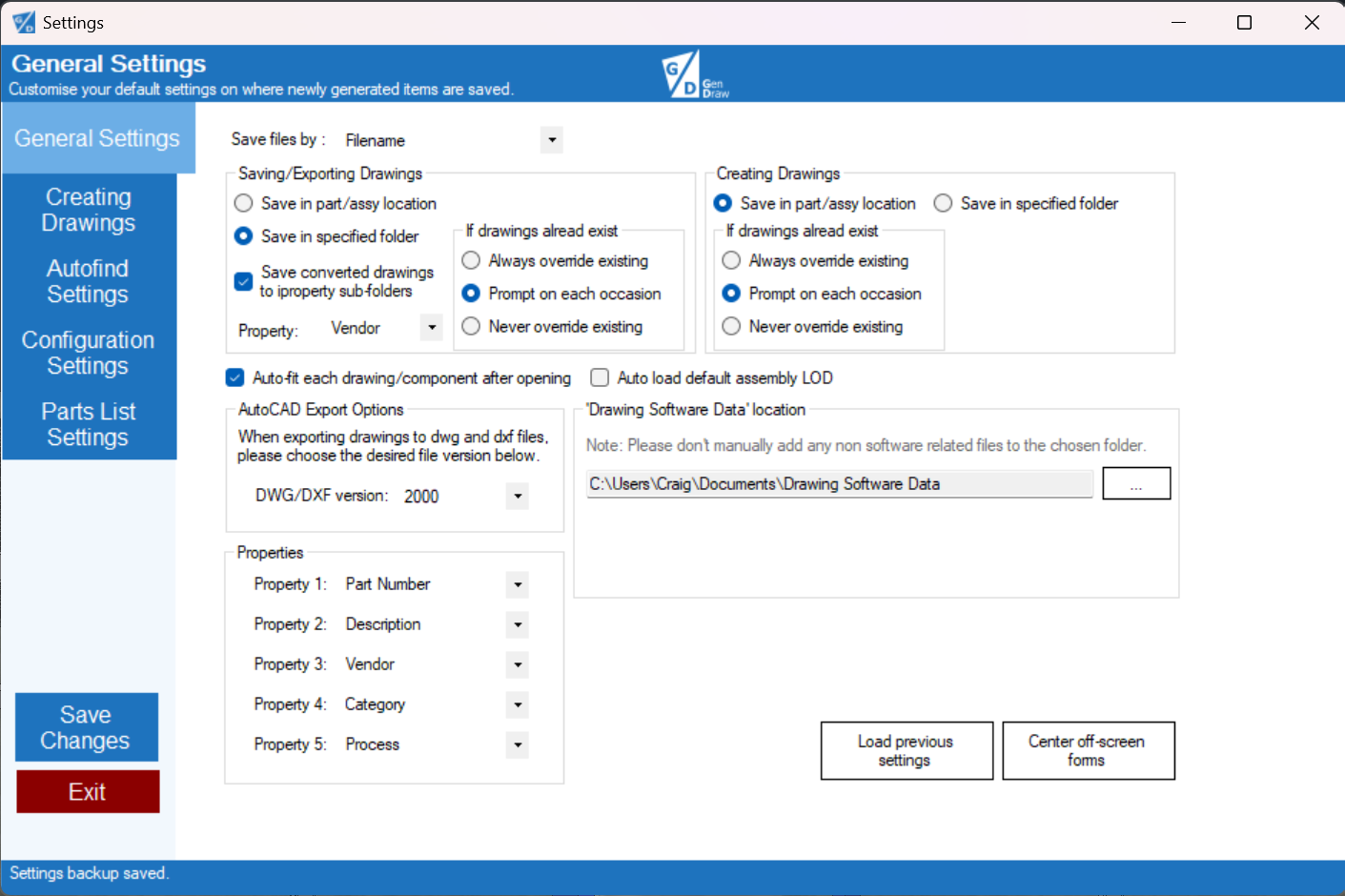
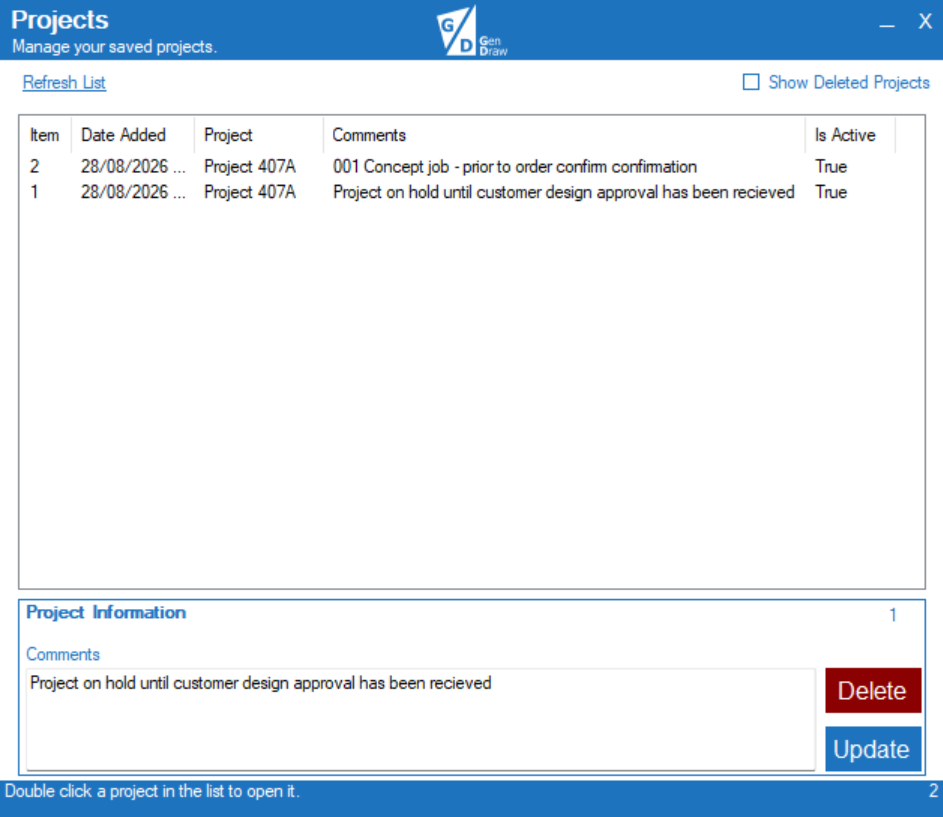
Explore the main workspace, configurable drawing and export settings, and saved-project tools. Select any screenshot to view it at full size.
Create and manage documentation for individual components or complete assemblies without rebuilding the same preparation steps each time.
Use established Inventor templates alongside configured view layouts, visual styles, annotations and sheet-metal options.
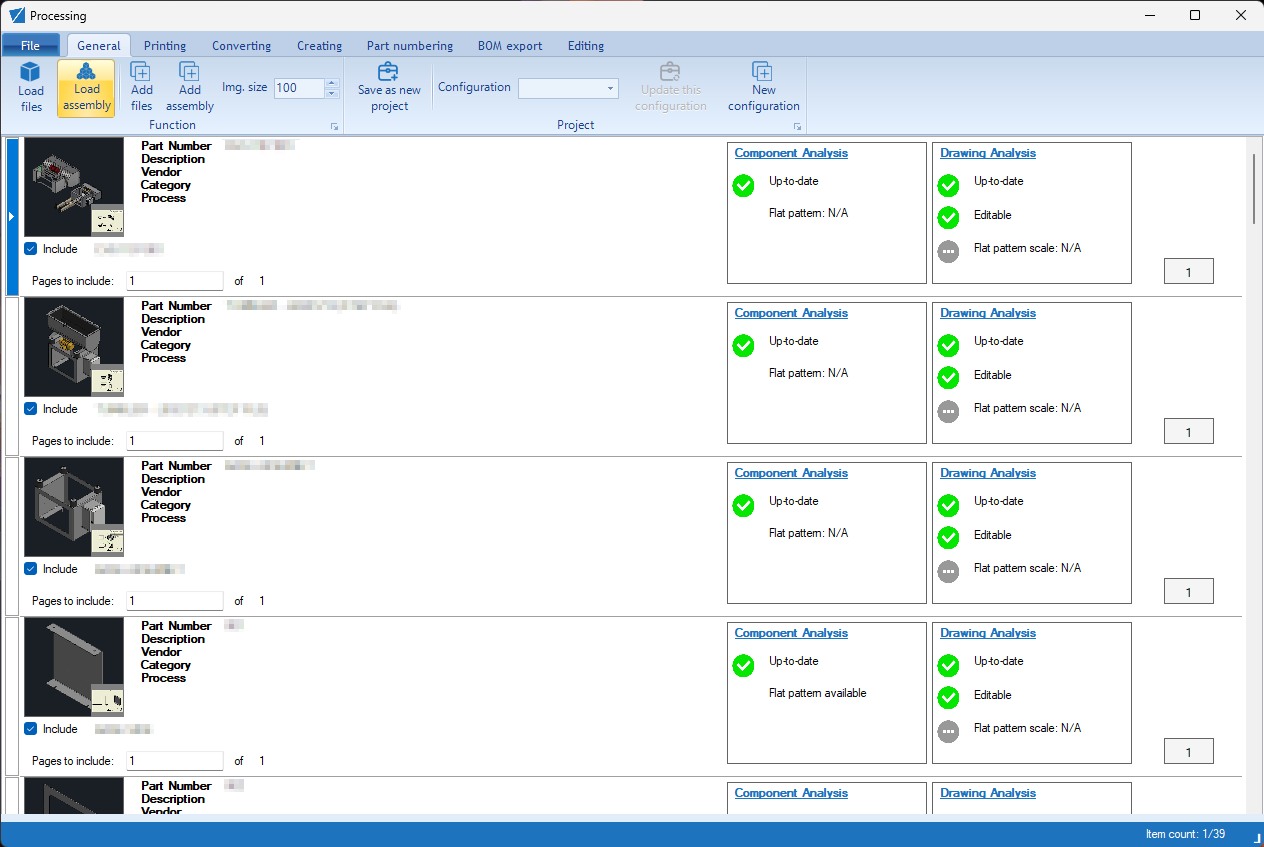
Use status indicators, previews, search and filtering to focus on missing drawings and issues that need attention.
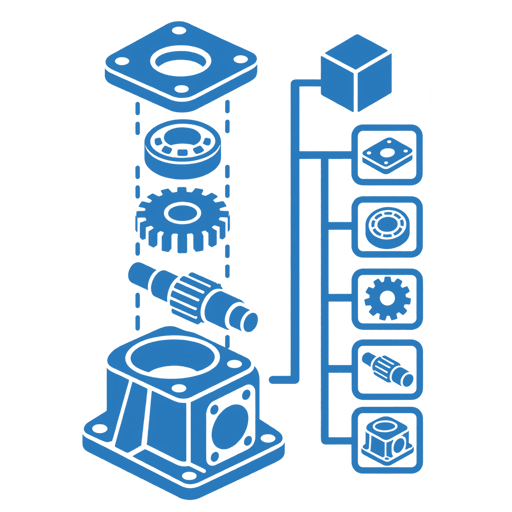
Load supported Inventor assemblies and parts, then review relevant components before documentation or production output begins.
Work with linked tree and planning-grid views, component thumbnails, search, filtering, occurrence counts and bulk selection.
Automatically identify associated drawings, re-check when required and see drawing availability alongside component information.
Open relevant components and drawings in Inventor from the planning workspace, while configured library and Content Center locations remain out of focus.
Create Front, Right and Isometric views using configured templates, paper-size rules, positioning and sheet-centering logic.
Configure wireframe, hidden-line or shaded views for part and assembly drawings while retaining the active Inventor drawing standard.
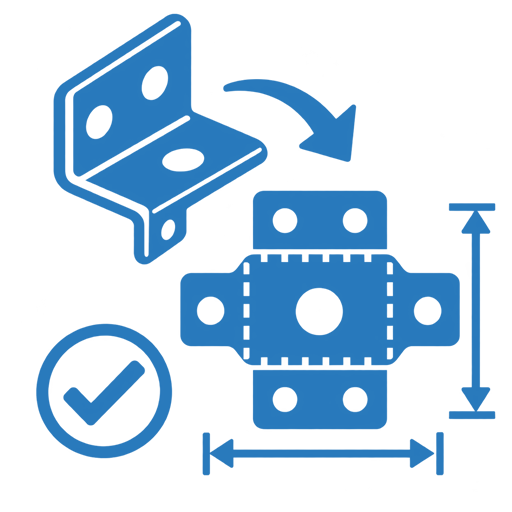
Optionally create flat-pattern views, simplified laser layouts, outer-extents dimensions and bend-line displays for suitable sheet-metal parts.
Apply optional centermarks and configured dimensioning assistance during drawing creation, ready for the user's final review.
Add assembly or part parts lists with positioning, sorting and renumbering options, plus optional balloons using established BOM item numbers.
Generate an assembly-derived Excel bill of materials shaped around the customer's established parts-list template.
Visual checks help users focus their engineering review where it is needed instead of manually opening every file.
See whether an associated drawing has been found for each relevant component.
Surface drawing status and pending-update information for investigation.
Identify matching, different or not-applicable flat-pattern scale states.
Focus the workspace on components with identified documentation issues.
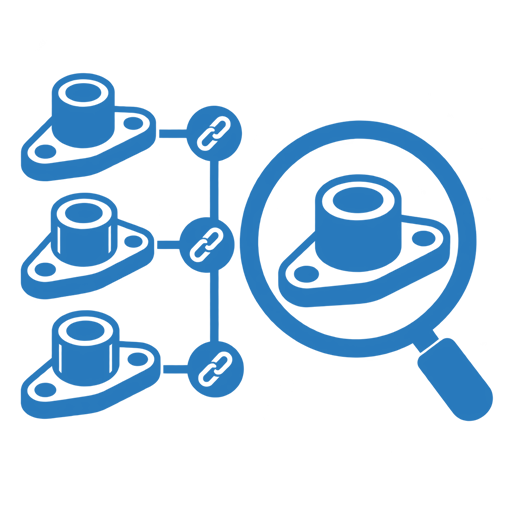
Similarity assistance can identify related parts and assemblies that may share a drawing approach, while retaining checks around model compatibility.
Group candidate parts and assemblies using structural information, supported by source and component thumbnails.
Highlight existing drawing candidates as well as similar components for which no source drawing is available.
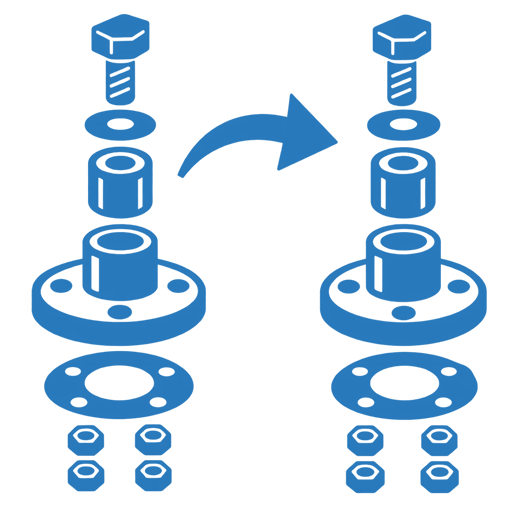
Where compatible ancestry exists, support controlled drawing duplication with model-reference replacement; incompatible actions remain unavailable.
Export IDW drawings to PDF, DWG or DXF formats according to the selected production workflow.
Optionally export supported IPT and IAM model data to STEP alongside the required drawing documentation.
Use configured output folders for laser cutting, machining and other processes, with controls for selected drawing printing.
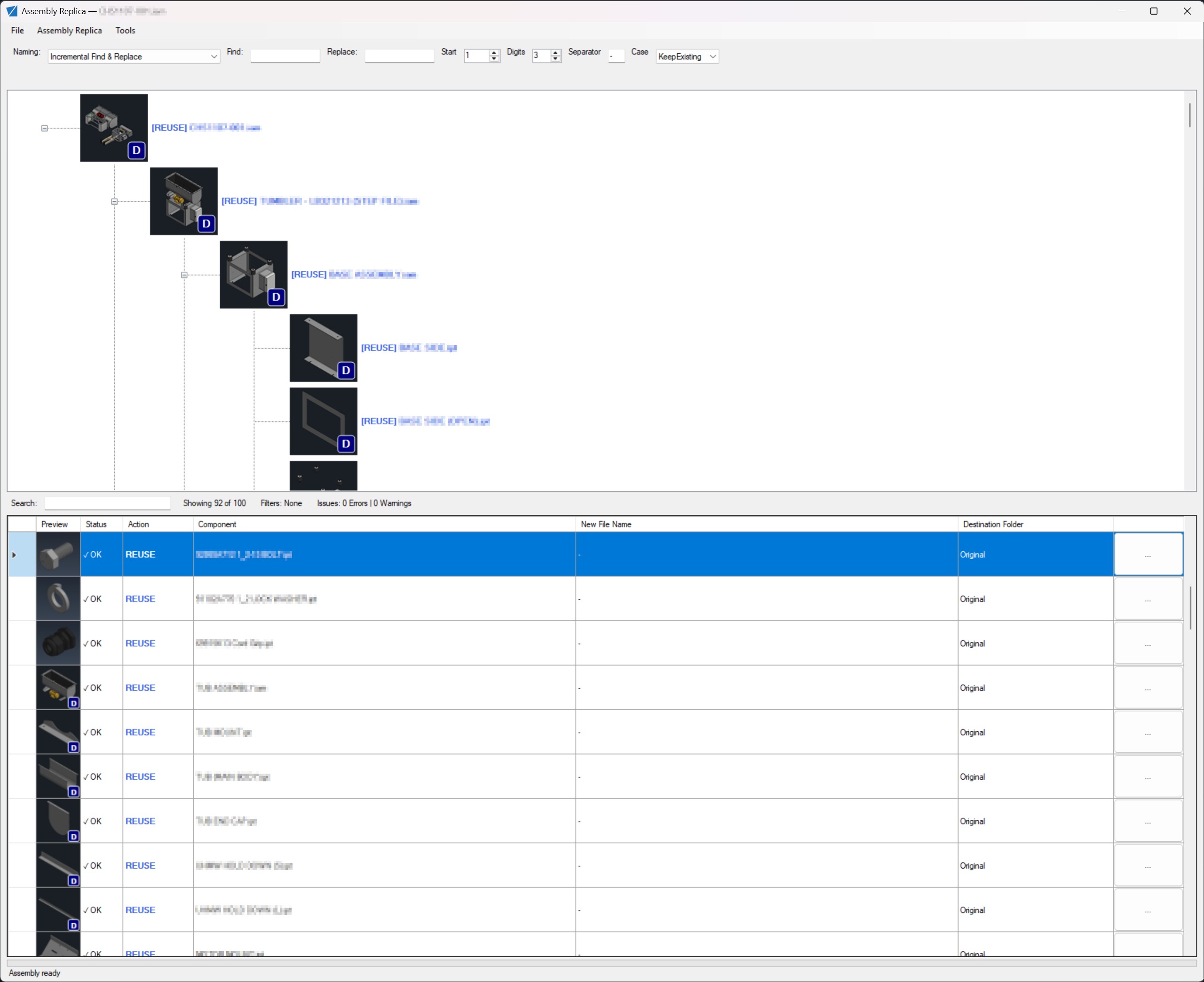
Plan Copy, Reuse and Exclude actions, destinations and naming for assembly components and associated drawings, with dependency-aware preflight and verification support.
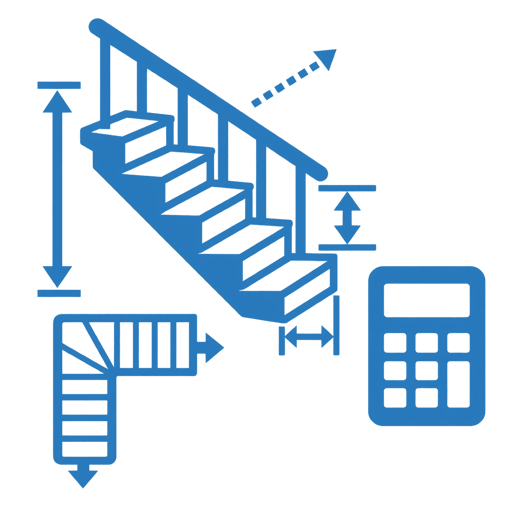
Review straight, L-shaped, U-shaped, ladder and access options using dimensional inputs, scaled plan and elevation previews, and candidate results.
Configure templates, styles, output locations, annotations and drawing behaviour, with local settings backup support between software updates.
Subscriptions from £195 per month + VAT. Tell Gendraw about your Inventor version, team and current documentation process to arrange a demonstration and discuss suitability.